
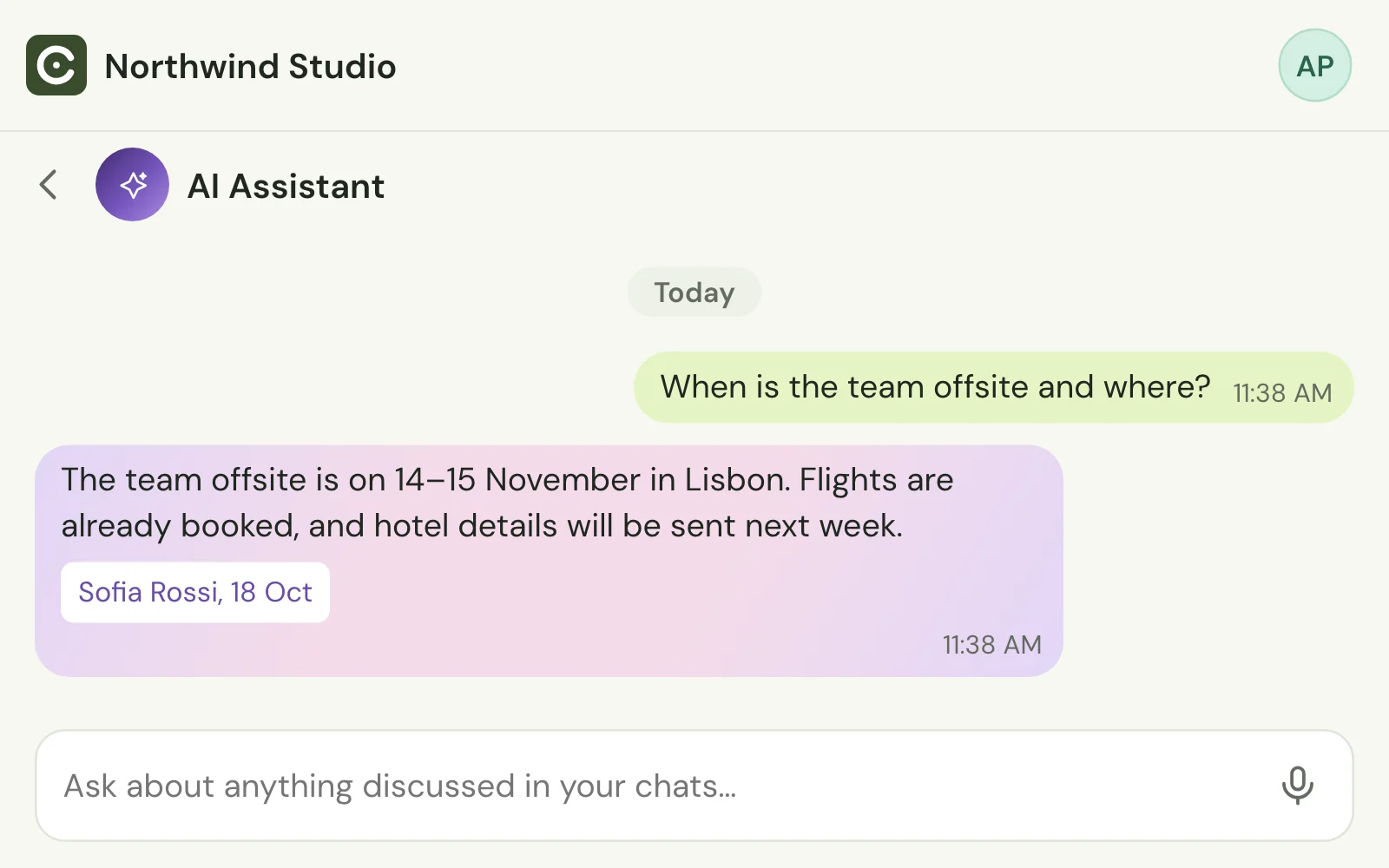
Answers from your history
Ask AI finds the answer in past conversations and links to the messages it came from.
Stop answering the same question twice. Ask Binom Chat’s AI anything your team has already discussed and get the answer in seconds, with links to the messages it came from, while your colleagues stay focused on their work.
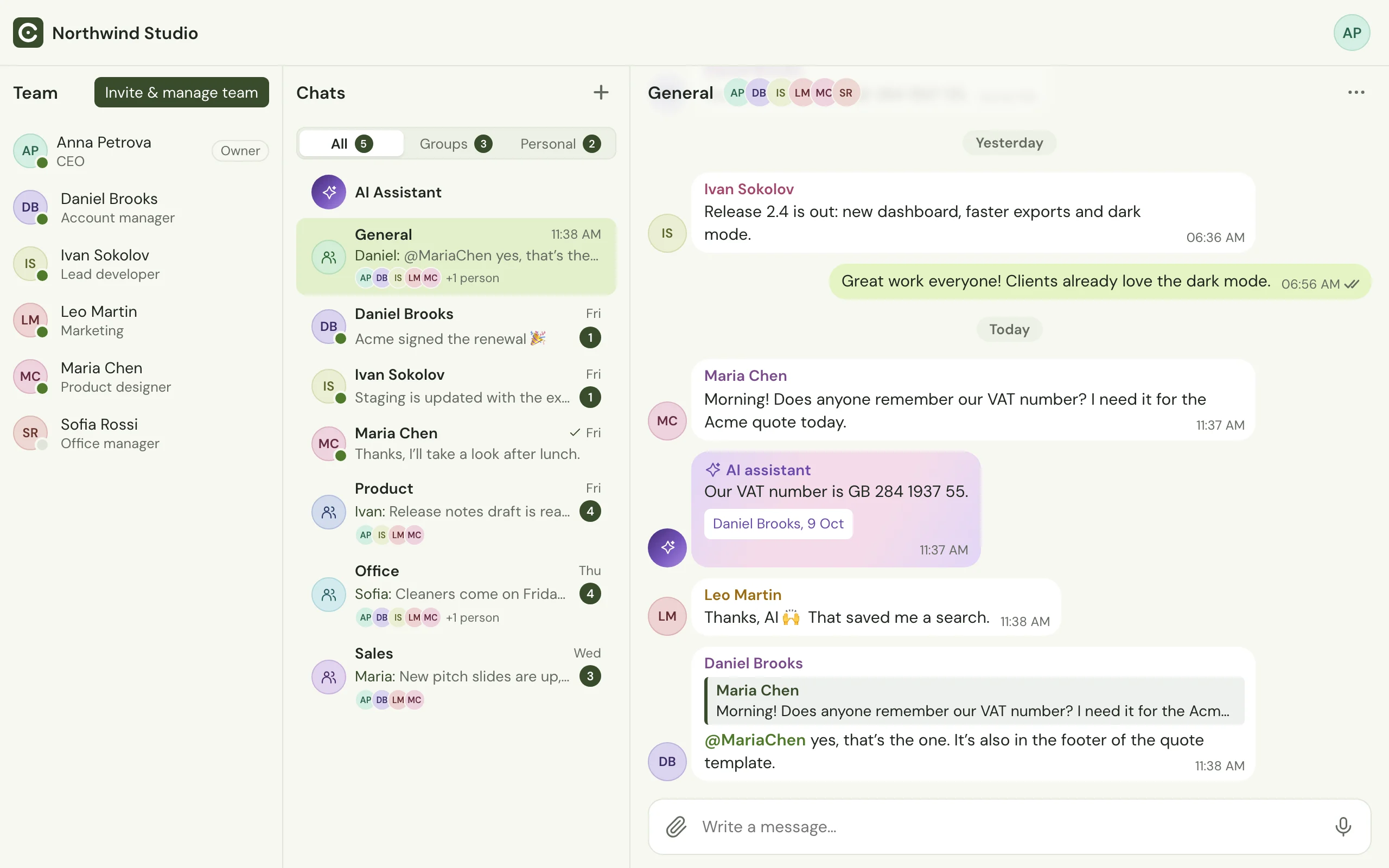
Ask AI finds the answer in past conversations and links to the messages it came from.
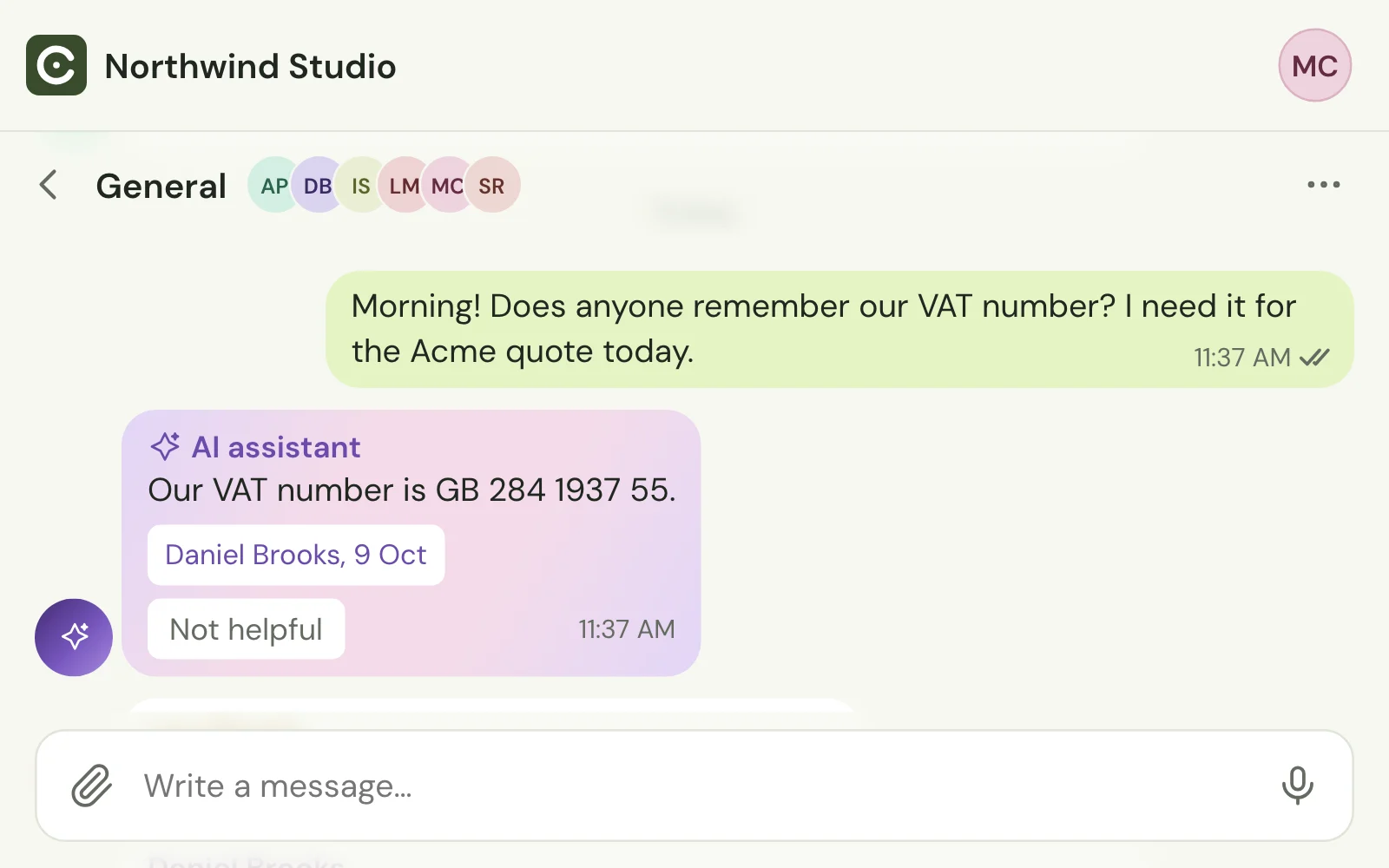
When the AI has answered a question, colleagues are not notified about it.
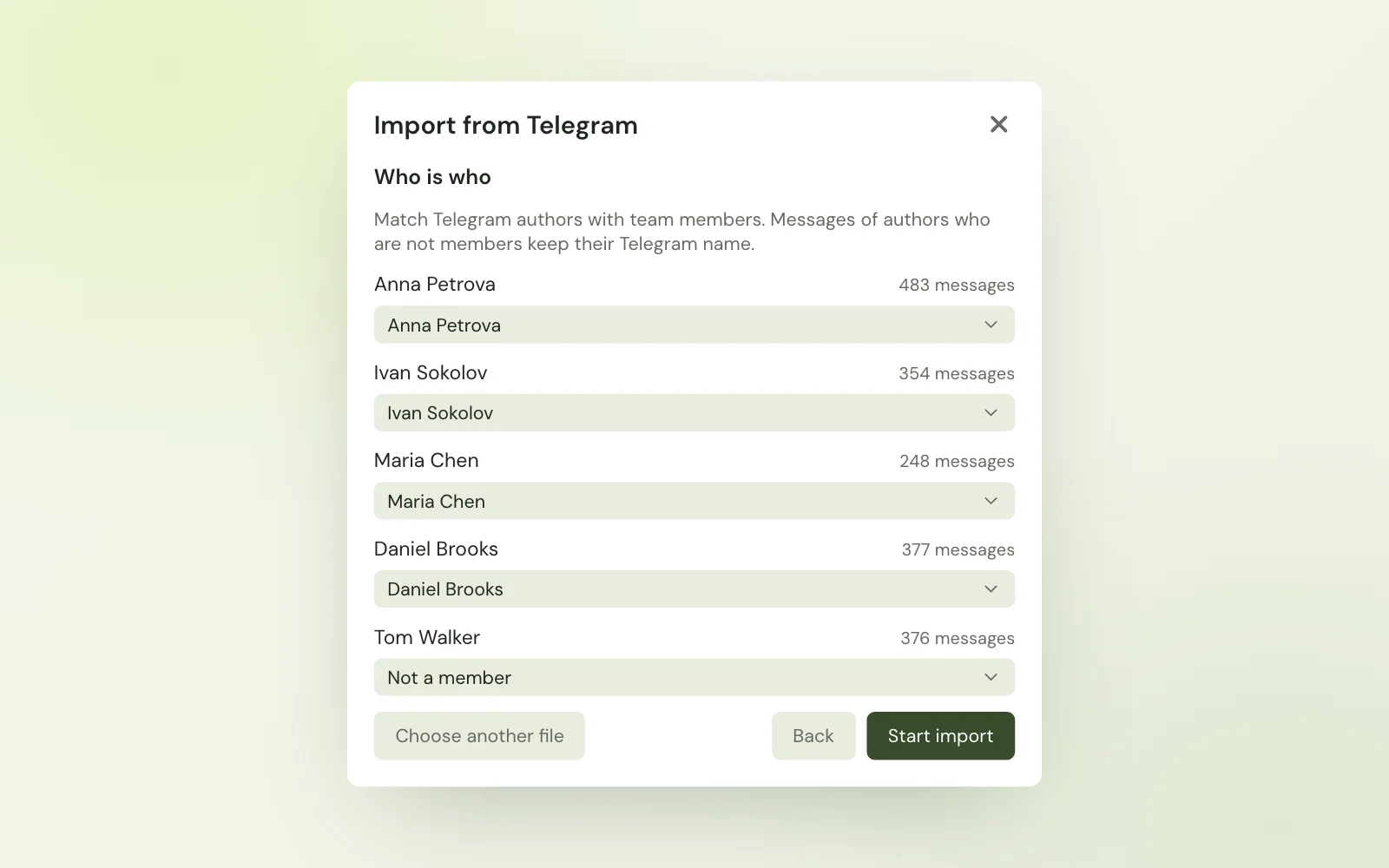
Import your team’s Telegram history, and the AI can answer from it on day one.
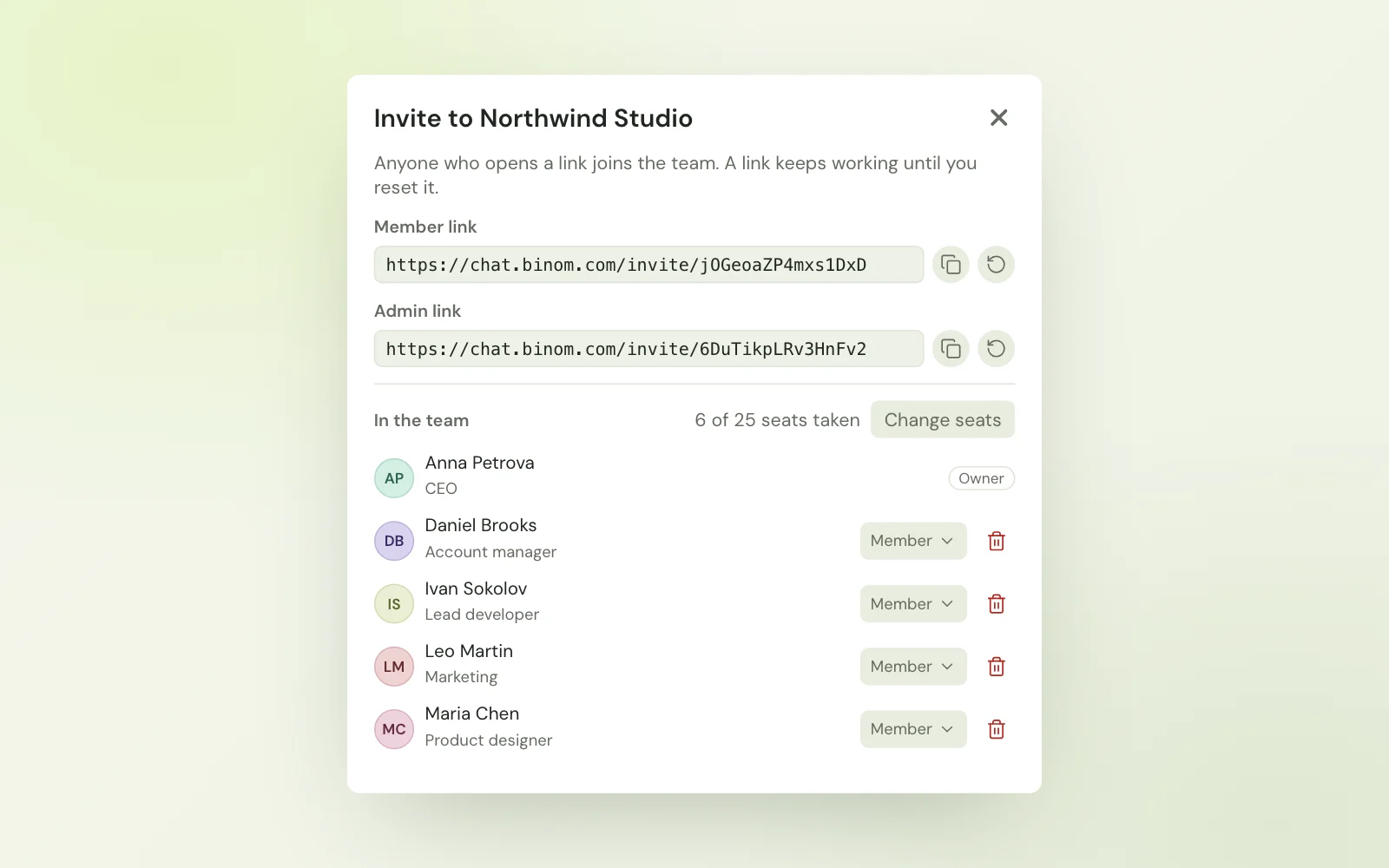
Create a team, share an invite link, and everyone is chatting. No IT department required.
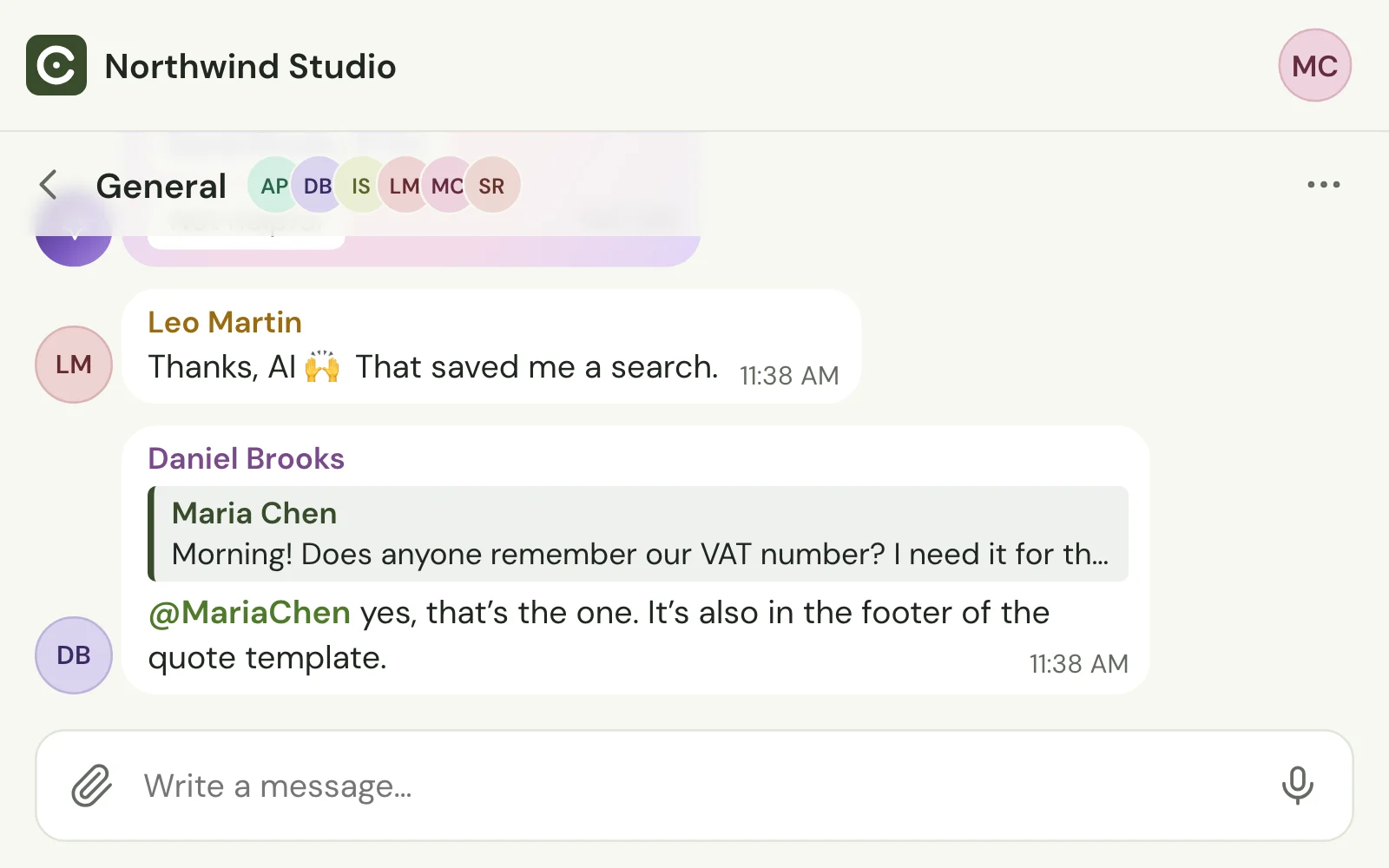
Reply to a message with a quote, or @mention a colleague to get their attention.
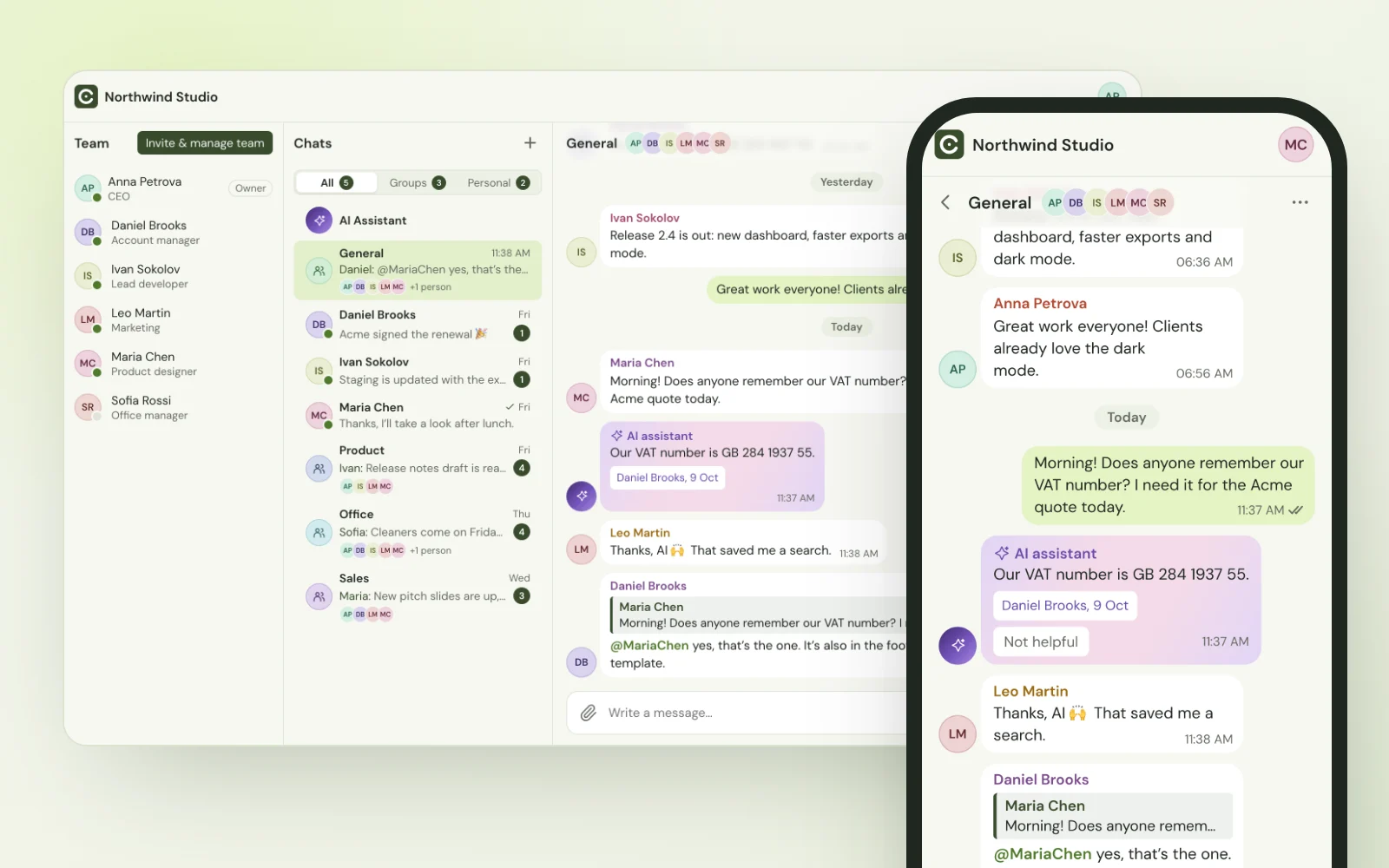
Apps for Windows and macOS with unread badges, and a web version for any browser, phones included.
Sign in, name your team and subscribe. It takes a minute.
Share an invite link with colleagues and bring your Telegram history along.
Questions the team has already answered get an AI reply with links to the source messages.
Everything Binom Chat does, for every member of your team.
Billed monthly through Stripe, plus VAT where it applies. Adding or removing a member changes the next bill pro rata. Cancel any time.
$8 per seat / month
It searches the messages of chats you are a member of, and answers only from what it finds there. Every answer links to the messages it came from, so you can check it in one click. If nothing in the history answers the question, it does not make an answer up.
No AI is. That is why every answer shows its sources, and why anyone can mark an answer as Not helpful, which brings the question back to the team.
No. The AI answers only from chats the person asking is a member of, and only inside your team. Other teams never see your data.
No. Requests go only to AI providers that do not store or train on the data they receive, and we do not sell data or show ads.
$8 per seat per month, billed to the team owner. The owner buys a seat for each member and can add or remove seats at any time: added seats are charged pro rata at once, removed ones are credited to the next bill. There is no free trial.
The team owner opens Billing in the account menu and cancels the subscription. The team keeps working until the end of the paid month, then becomes read-only: everyone can still read the history, but not write.
Yes. Export your Telegram chats, import the export into Binom Chat, and the AI can answer from that history on day one.
Any modern browser on a computer, phone or tablet, plus desktop apps for Windows and macOS.